Recovery & Deployment 8.0

Keep Your Lab Ready for the Next Class

Restore shared PCs, deploy software and switch operating systems from one console. Keep your lab ready for teaching and assessment.

Restore a working system after a fault
Full or differential network deployment
Windows and Linux on one PC
Student files retained through system resets

Core Features

Restore Points
Multi-Boot Support

Protect partitions and operating systems

Student Workspaces
Separate Storage

Student files outside protected areas

Network Deployment
Network Cloning

Deploy images to multiple PCs

Unattended Updates
Scheduled Tasks

Automate routine updates and recovery

Power Management
Energy Savings

Scheduled power controls

Product Details

Restore points, multi-boot support, student storage and deployment.
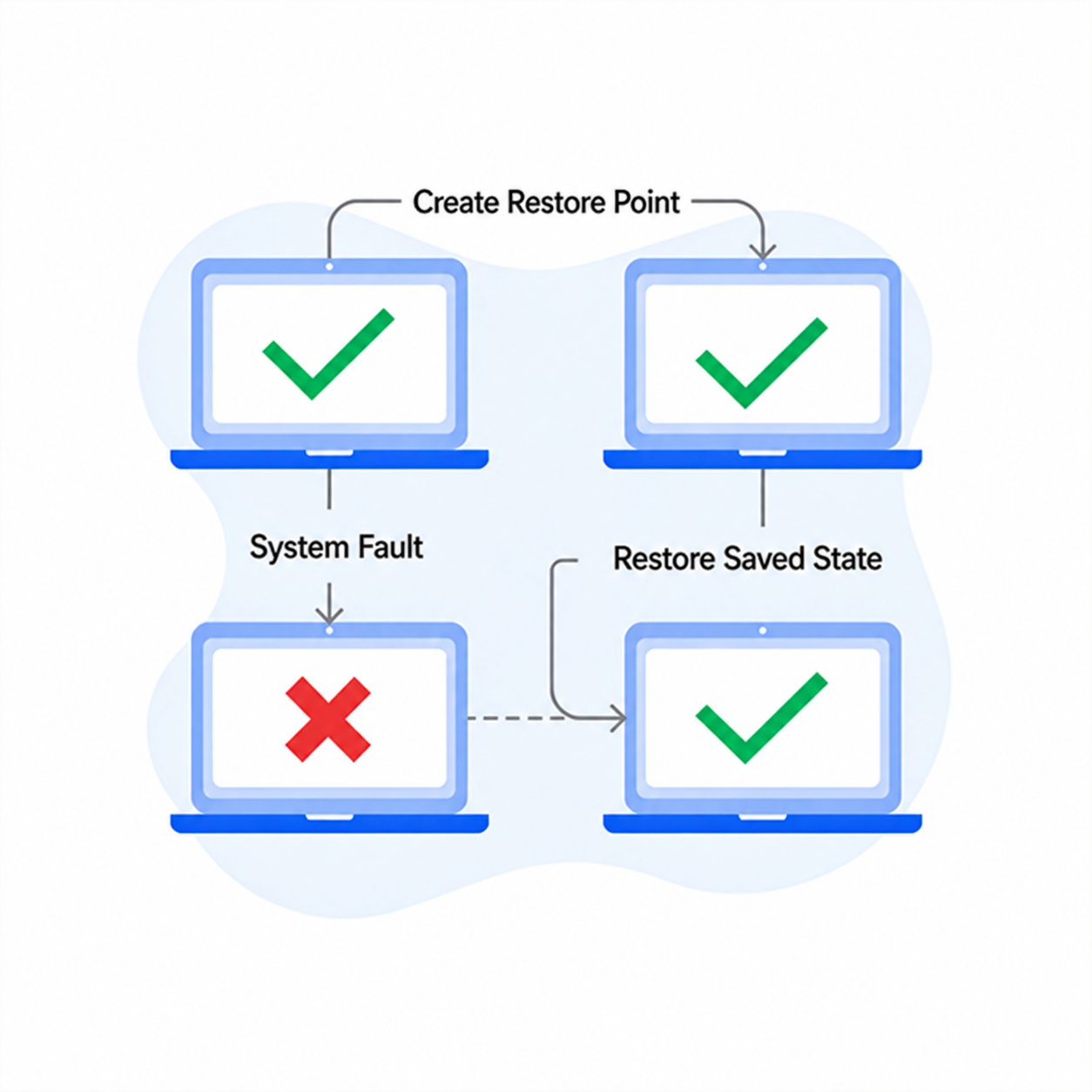
System recovery and multiple restore points

Restore Points Rapid Recovery

  • Create restore points and return to a working system when needed.
  • Protect and switch saved states for different classes.
  • Reduce troubleshooting before the next lesson.
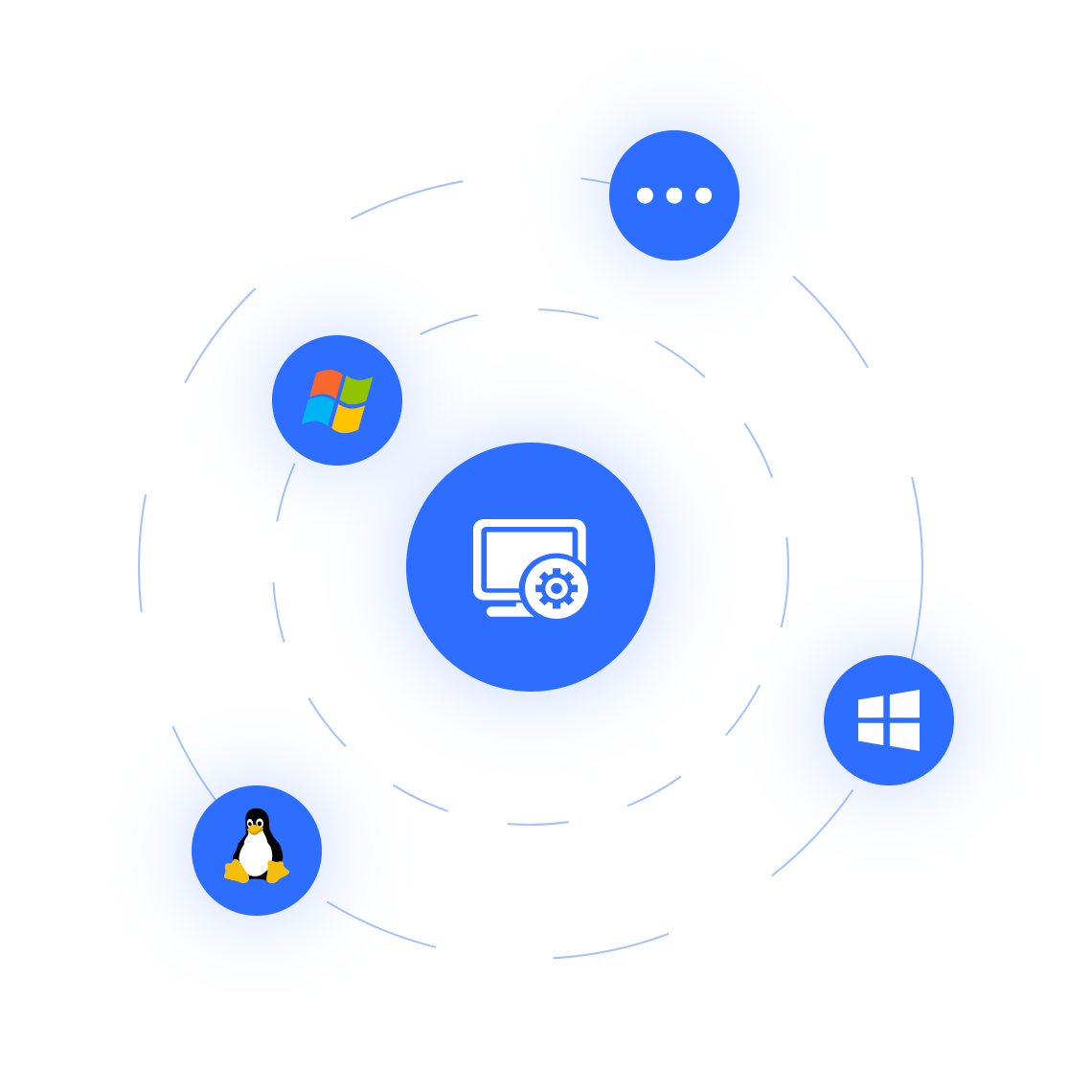
Multi-boot operating system setup

Multiple OS Environments One PC

  • Install supported Windows and Linux systems on one PC.
  • Keep OS environments separate with compatible partition layouts.
  • Switch systems for each course without reinstalling.
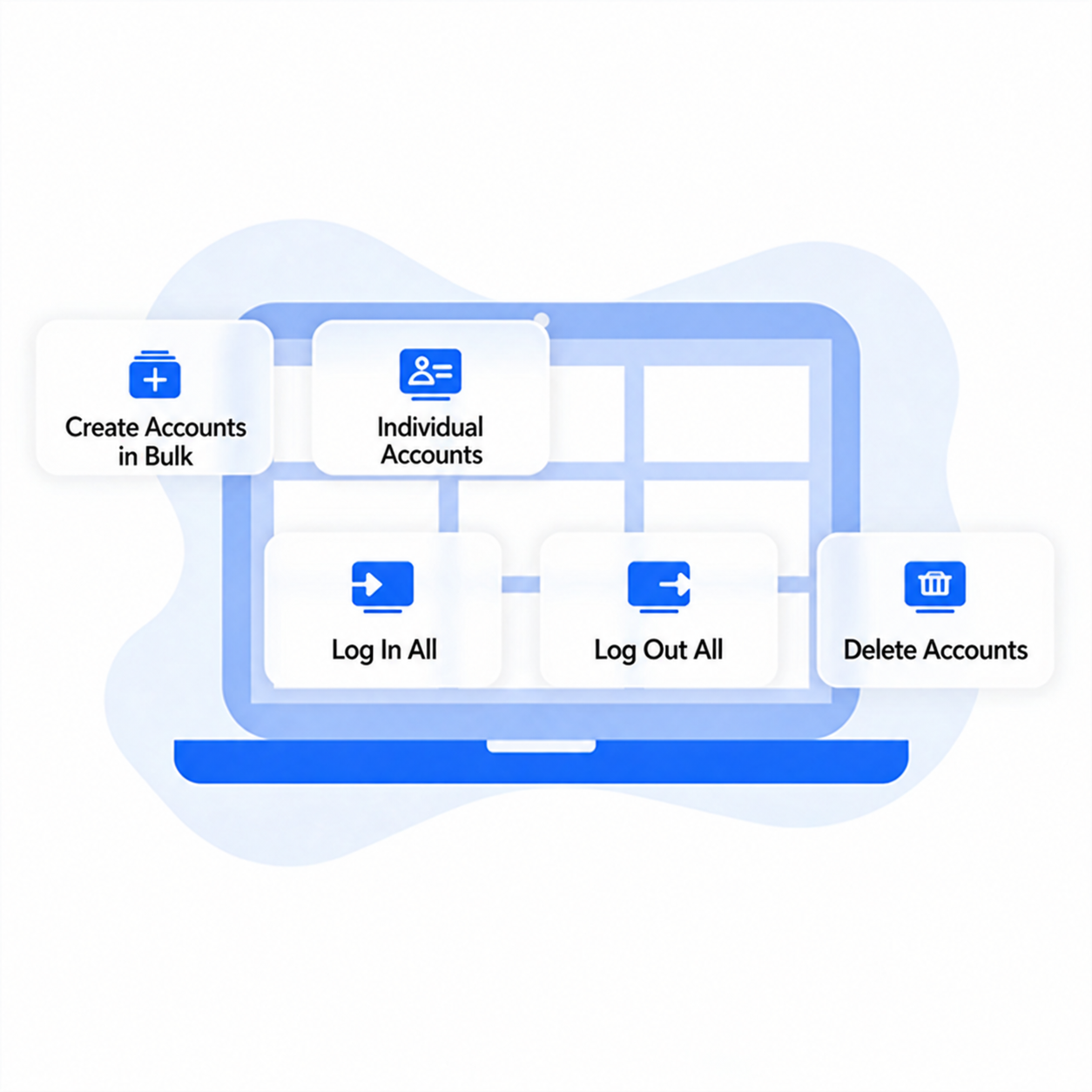
Separate student workspaces and persistent storage

Student Storage Retained Through Resets

  • Create separate environments and assign personal accounts centrally.
  • Give students private assignment storage retained through system resets.
  • Apply individual policies for student flexibility and administrative control.
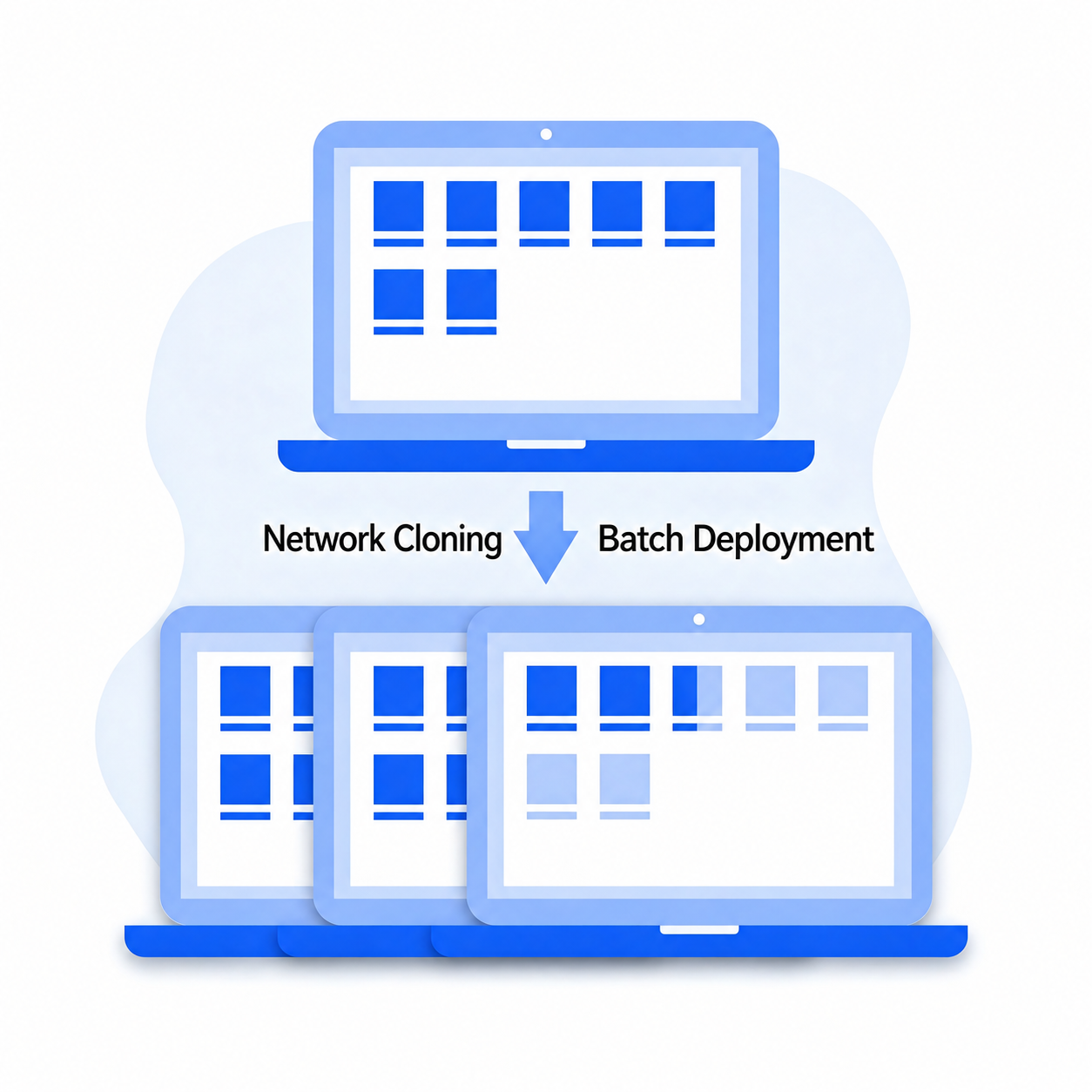
Full and differential network cloning

Network Cloning Network Deployment

  • Clone a source image to multiple PCs over the network.
  • Deploy operating systems and software across the lab.
  • Transfer changed data only when updating software.
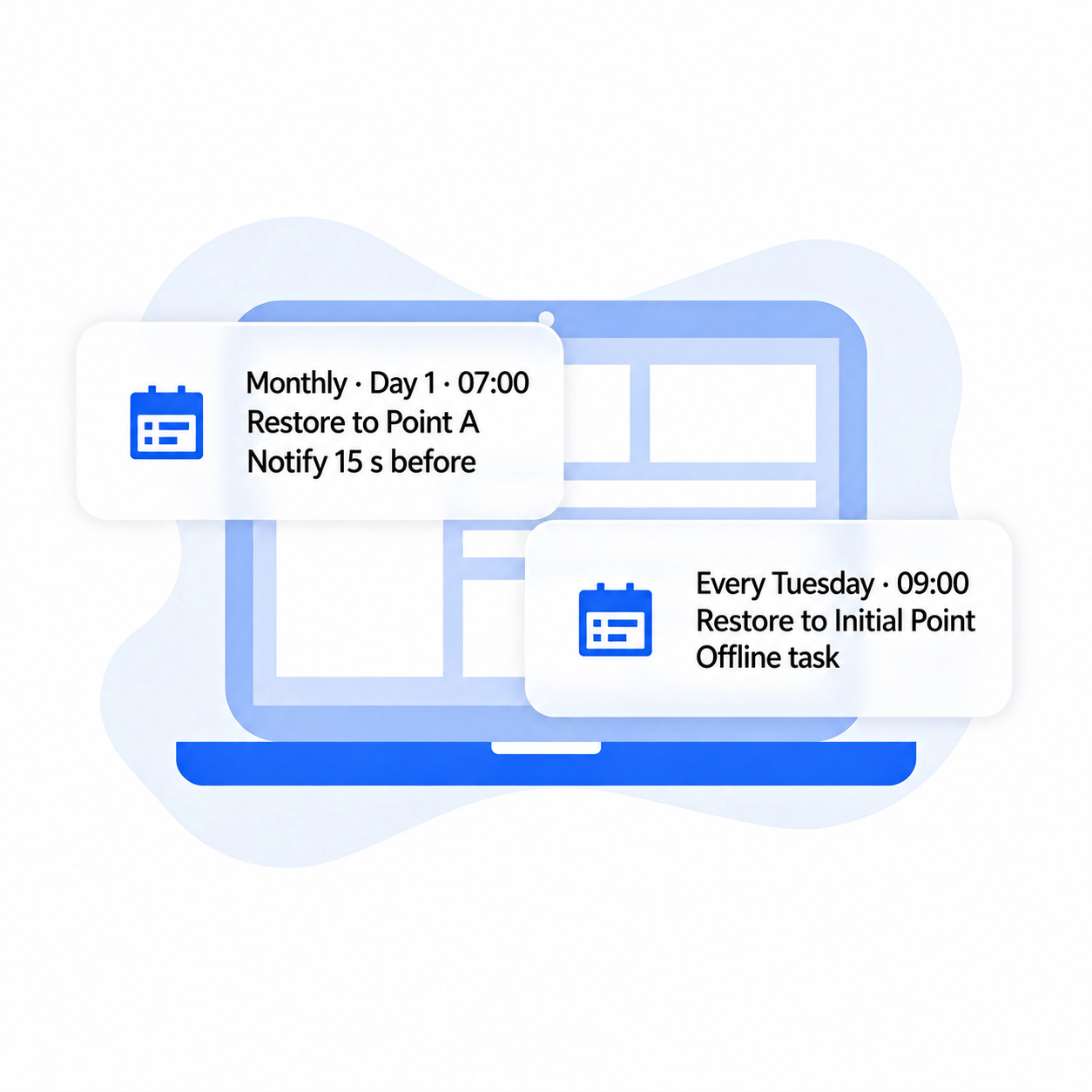
Scheduled maintenance and automatic updates

Scheduled Tasks Unattended Maintenance

  • Schedule startup, shutdown and recovery around classes.
  • Automate Windows Update or configured offline maintenance tasks.
  • Run maintenance outside teaching hours.
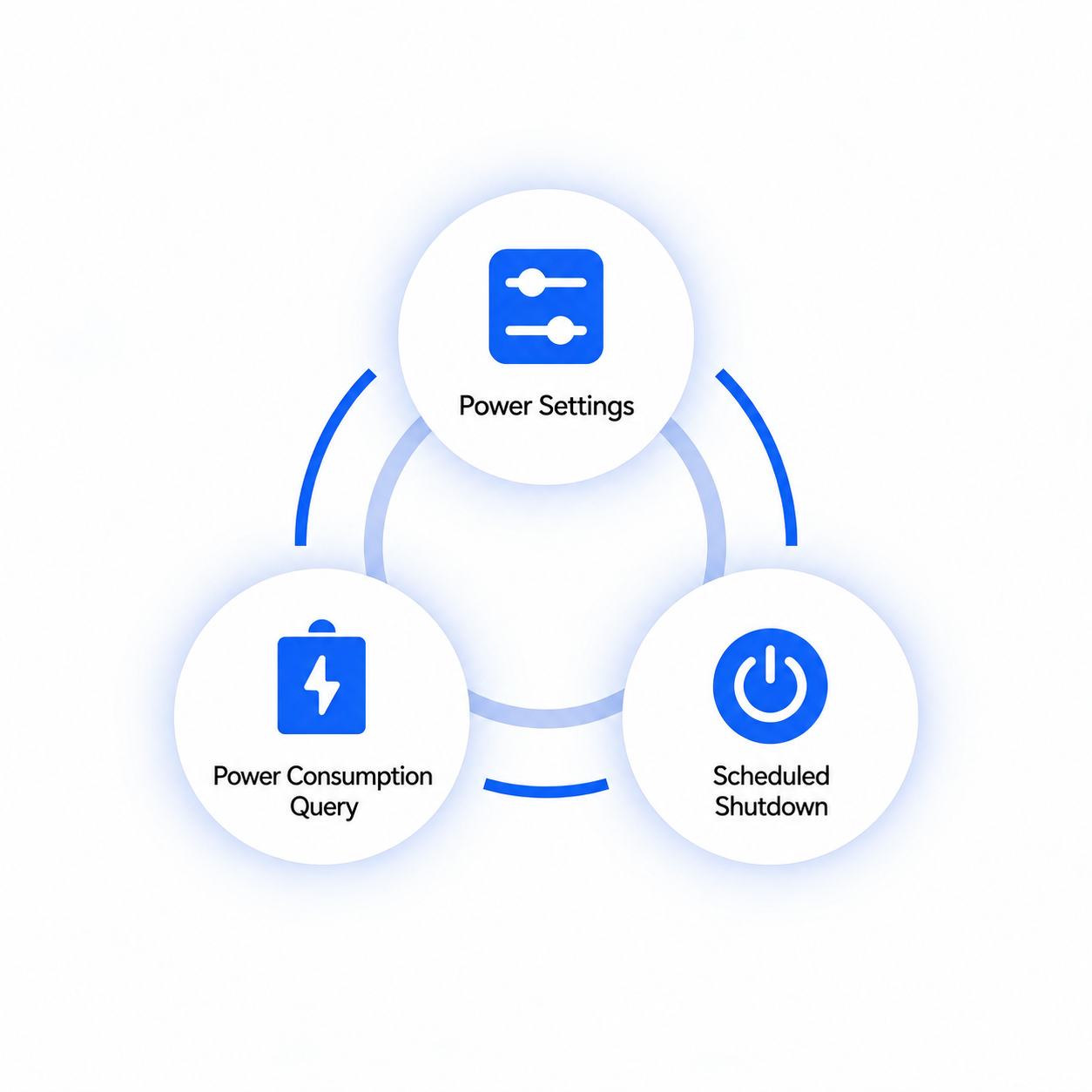
Scheduled power control and energy management

Power Management Reduce Energy Use

  • Set power policies and after-hours shutdown schedules.
  • Reduce energy wasted by idle or standby PCs.
  • Lower electricity use and environmental impact.
Use Cases

Education

Healthcare

Finance

Gov & Enterprise

Customer Stories

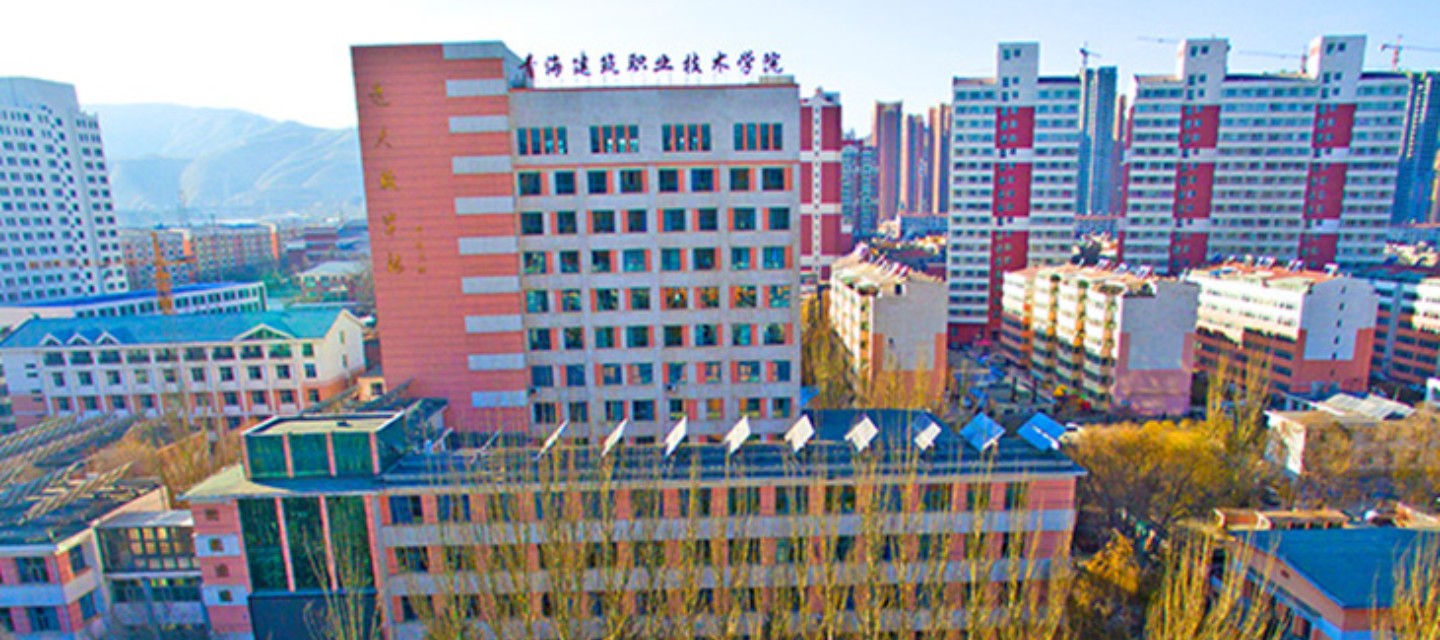
Schools & Organizations

Resources & Support

Product Documentation

Installation, deployment and user guides.

Free Trial

Try the software before buying.

Technical Support

Help with selection, installation and deployment.

Find Your Solution

Get a free trial with one-to-one technical guidance.